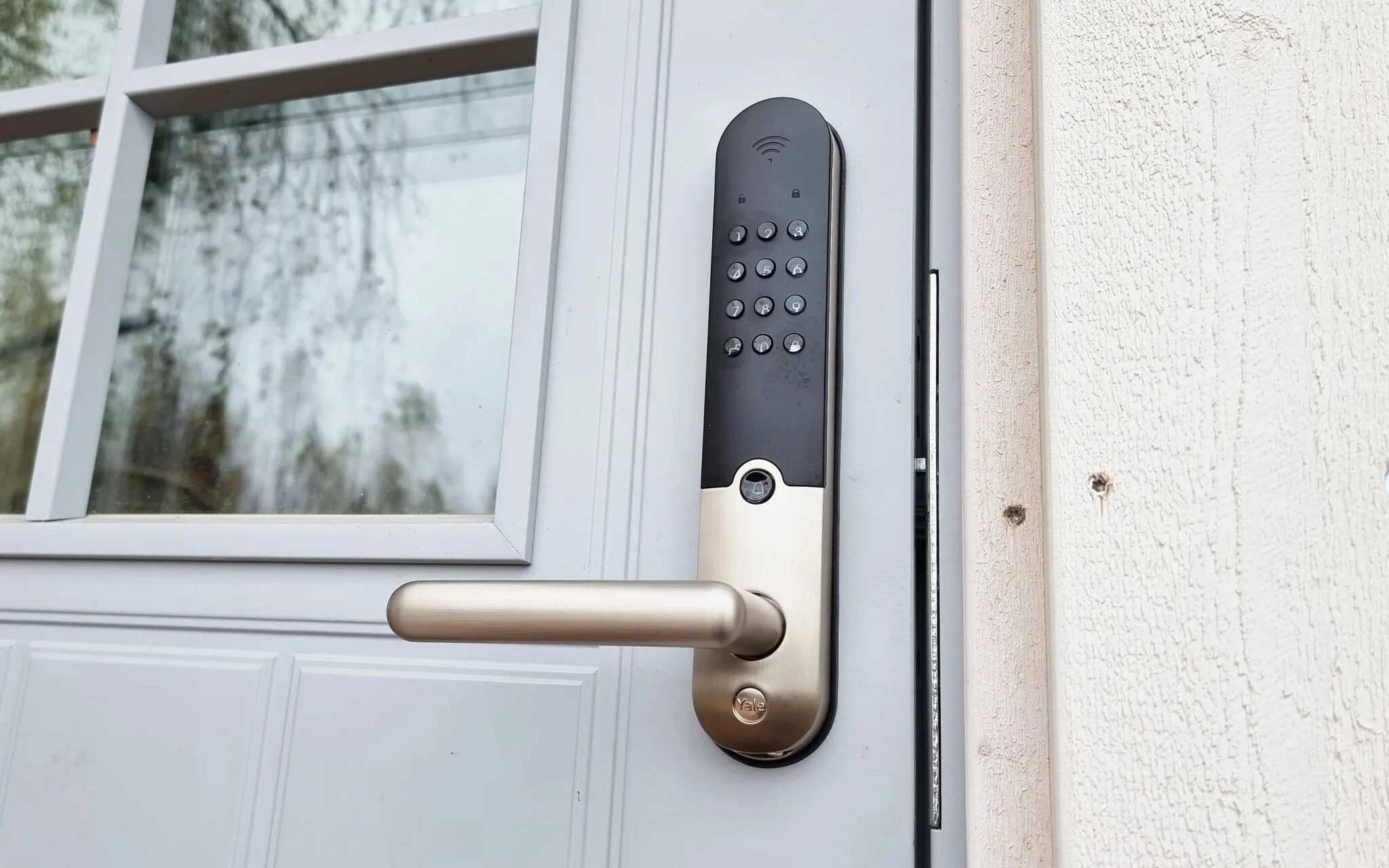
When the door of a cottage or room has a smart lock, Johku creates a door code of its own for each booking and delivers it to the customer before arrival. The customer gets in with their own code, even when arriving late in the evening, and you do not need to be there to hand over keys.
A code is also created for bookings that come through Booking.com, Airbnb and other connected sales channels. It works only for the duration of the booking, so there are no keys to collect afterwards and no key box code to change by hand between customers.
Supported locks and systems
Johku directly supports these widely available smart locks: August, Igloohome, Kwikset, Lockly, Nuki, Schlage, Tedee, TTLock, Wyze and Yale.
The connection to the locks goes through our US partner Seam. With Seam, you can also connect many other locks and access control systems to Johku. If your brand is not on the list, or you are only now buying locks, check the brand with us before you decide to buy.
The wider access control needs of hotels and larger operators can be met with the Assa Abloy Visionline and Salto KS systems.
How the code goes from the booking to the customer
In Johku, you link the lock to the cottage or room whose door it is on. When a booking comes in for that unit, Johku creates the code automatically and sends it to the customer in a scheduled message. You decide the timing and the channel of the message: for example, you can schedule a text message for the morning of the arrival day. The customer also sees the code on the booking page of their order 24 hours before the booking starts, so the code can be found even if the message gets lost.
A code is created for every booking of the unit, no matter in which product or sales channel the unit was sold. If you sell similar cottages as one product, the customer gets a code for exactly the cottage that Johku chose for their booking.
Several locks in the same unit
You can link several locks to the same cottage or room, for example the lock of the front door and the lock of the sauna building in the yard. The locks can be from different manufacturers. Johku controls all of the unit's locks according to the same booking, so the customer can open every door that belongs to their booking.
What you see in Johku admin
In the Smart devices view of Johku admin, you see all connected smart devices in one place. You see which units each lock is linked to. You also see the information the manufacturer provides, such as the battery level, the lock status and whether the door is open or closed.
In the lock events, you see past and upcoming actions: which code has been given to the lock, for which customer and which booking it belongs to. If a customer calls from the door, you see right away which code they should have and when it is valid.
Getting started and support
You connect all smart devices and services in one place, in the Johku App settings. You need a supported lock and an account with the lock manufacturer, with the locks added to it in the manufacturer's app. As a rule, a smart lock needs a network connection, because the codes reach it over the internet. Igloohome also supports offline codes: the code is created with an algorithm, and no connection is needed.
Getting the locks started takes three steps: you connect the lock manufacturer's account in the settings, link the locks to units and schedule the message that delivers the code or instructions to the customer. You create the message once per unit, and after that it goes out with every booking. The steps are described in Johku Support: How to connect smart locks to Johku (in Finnish).
If a code is not created for some reason, Johku support works out the fault with Seam. You do not have to guess whether the fault is in Johku, in Seam or in the lock.
Price
Smart lock use €5.00/smart lock/month (excl. VAT)
The price is the same in Johku Pro and Max. Smart device management is ready in every Johku, and you do not order it separately. When you connect one or more lock accounts to Johku, Johku loads all the locks added to those accounts. The monthly fee is charged for every loaded lock once a month on the commission invoice. The notice period is one month.