Johku Pro and Johku Max Available now
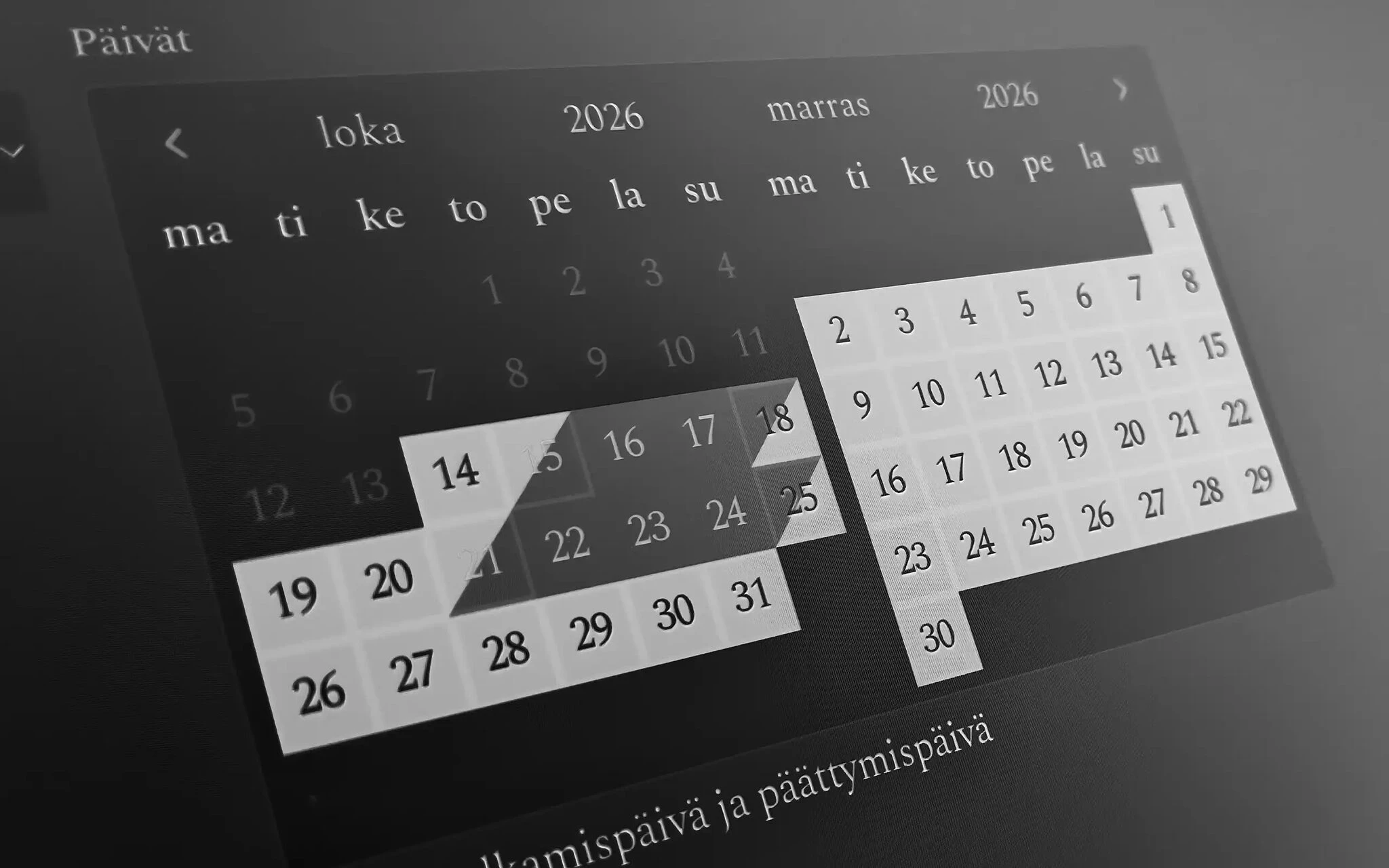
The customer picks the booking dates as one period, right in the calendar on the product page. For products with start times, they see the start time, end time and available places in the same list. The renewed booking calendar is also used in the Johku booking views embedded on your own website.
Booking choices on the product page
The renewed calendar brings dates, times and available places together on the product page. The customer picks the dates of a stay as one period, or a tour's start time from a list. The calendar is in use in every Johku shop.
Dates, time and places in one view
Dates as one period
When a customer books a cottage, they pick the arrival and departure dates from the same calendar, right on the product page. There are no separate date fields.
Start time, end time and available places at a glance
When a product has start times, the customer picks a time from a list that shows the end time based on the duration and the places left.
The same calendar in embeds
When you sell with Johku embeds on your own website, the customer books there with the same calendar as in your storefront.
Good to know
The renewed booking calendar is used for all time-based products, such as accommodation, tours and venue bookings. You do not need to switch it on separately, and you cannot return to the old purchase flow. For products where you have set preselected dates, the customer picks the date from buttons instead of the calendar.
Availability
Products and industries: all time-based products, all industries
Price: included in Johku
Getting started
The booking calendar works in every Johku shop and in embeds, with no settings needed. The guides for purchase flows are in Johku Support: Purchase flows (in Finnish).
Read more
Questions about the booking calendar?
In Johku Pro, support answers at tuki@johku.com on weekdays 9:00–16:00 Finnish time. In Johku Max, a dedicated specialist (Merchant Success operator) helps you.