Johku Pro and Johku Max Available now
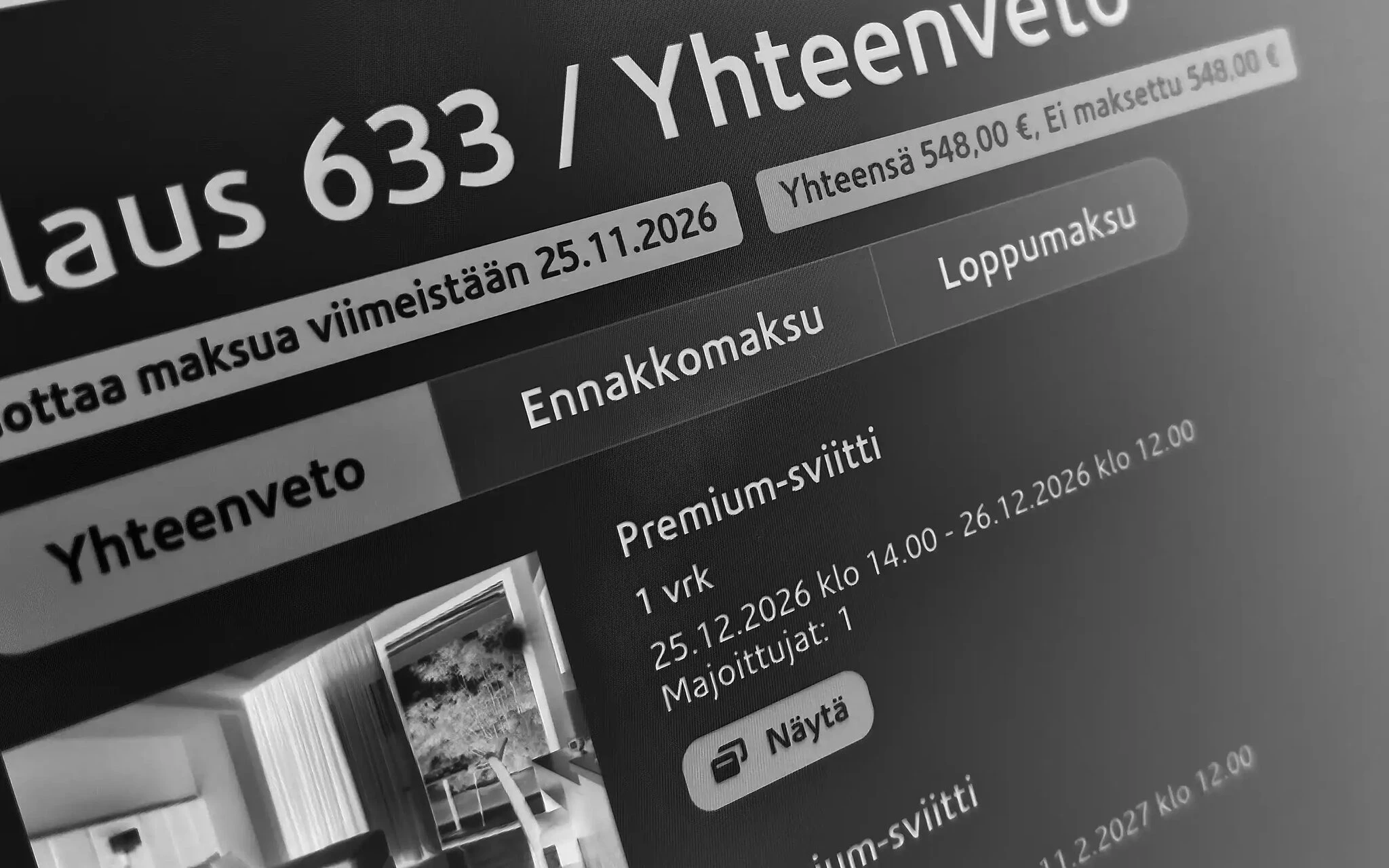
A week at a cottage or a group trip is often booked months in advance. With a payment plan, the customer pays a deposit when ordering and the final payment on the due date you choose. Johku splits the order into two installments and reminds the customer of the final payment with a payment link.
Book now, pay in two installments
The deposit confirms the booking, and the customer pays the final payment later. You can set the final payment to fall due a set time before the booking starts, or choose a fixed date. Johku sends the customer a reminder and a payment link before the due date.
Deposit right away, final payment on time
You set the installments
When you create a payment plan, you set the deposit as a share of the price or as a fixed amount. The final payment falls due either a set number of days before the booking starts or on a fixed date. You attach the plan to the products you want to use it with.
The customer sees both installments right away
When the customer orders, the order page shows “Due now” and the due date of the final payment. They can also pay the full amount at once. They pay the final payment from their order details, before the due date if they like.
Johku sends a reminder for the final payment
When the due date approaches, Johku sends the customer a reminder and a link to pay. The order stays in the “Payment plan” status until the final payment is made. If the final payment is not made, you are notified and decide yourself what happens next.
Good to know
A payment plan requires an online payment method in your shop, so that the customer pays both installments online.
For a percentage deposit, you can set a minimum payment. If the deposit would fall below it, the customer pays the full amount at once.
Products on the same order that have no payment plan are paid with the deposit. One order cannot contain products that use different payment plans.
Payment plans also work on orders created in Johku admin. The customer pays the deposit with a payment link. If the link has a due date and the deposit is not paid by then, the order is archived and the booking is removed.
If the deposit is non-refundable, this must be stated clearly in the product terms and your shop's terms. In accounting, a non-refundable deposit is not treated as an advance payment.
Example
Say a week at the cottage costs €900. The payment plan asks for a 30% deposit and the final payment 30 days before arrival. The customer pays €270 when ordering, and €630 falls due 30 days before arrival. If the minimum payment is set at €100, a 50% deposit on a €150 booking would come to €75. So the customer pays the full €150 straight away.
Availability
Products and industries: bookable products, all industries
Price: included in Johku
Getting started
An administrator creates the payment plans in Johku admin, and you attach a plan, product by product, to the products you want to use it with. It requires an online payment method connected to your shop. The guide is in Johku Support: How to sell with a deposit and a final payment (in Finnish).
Read more
Questions about deposits and final payments?
In Johku Pro, support answers at tuki@johku.com on weekdays 9:00–16:00 Finnish time. In Johku Max, a dedicated specialist (Merchant Success operator) helps you.