Johku Pro and Johku Max Available now
Give regular customers, business customers or members of an association a place of their own to buy. In a collection, you offer your own products or member prices on a page of your storefront, with access limited by membership. A customer joins by invitation or by buying a product that opens the membership.
A shopping page of its own for a chosen customer group
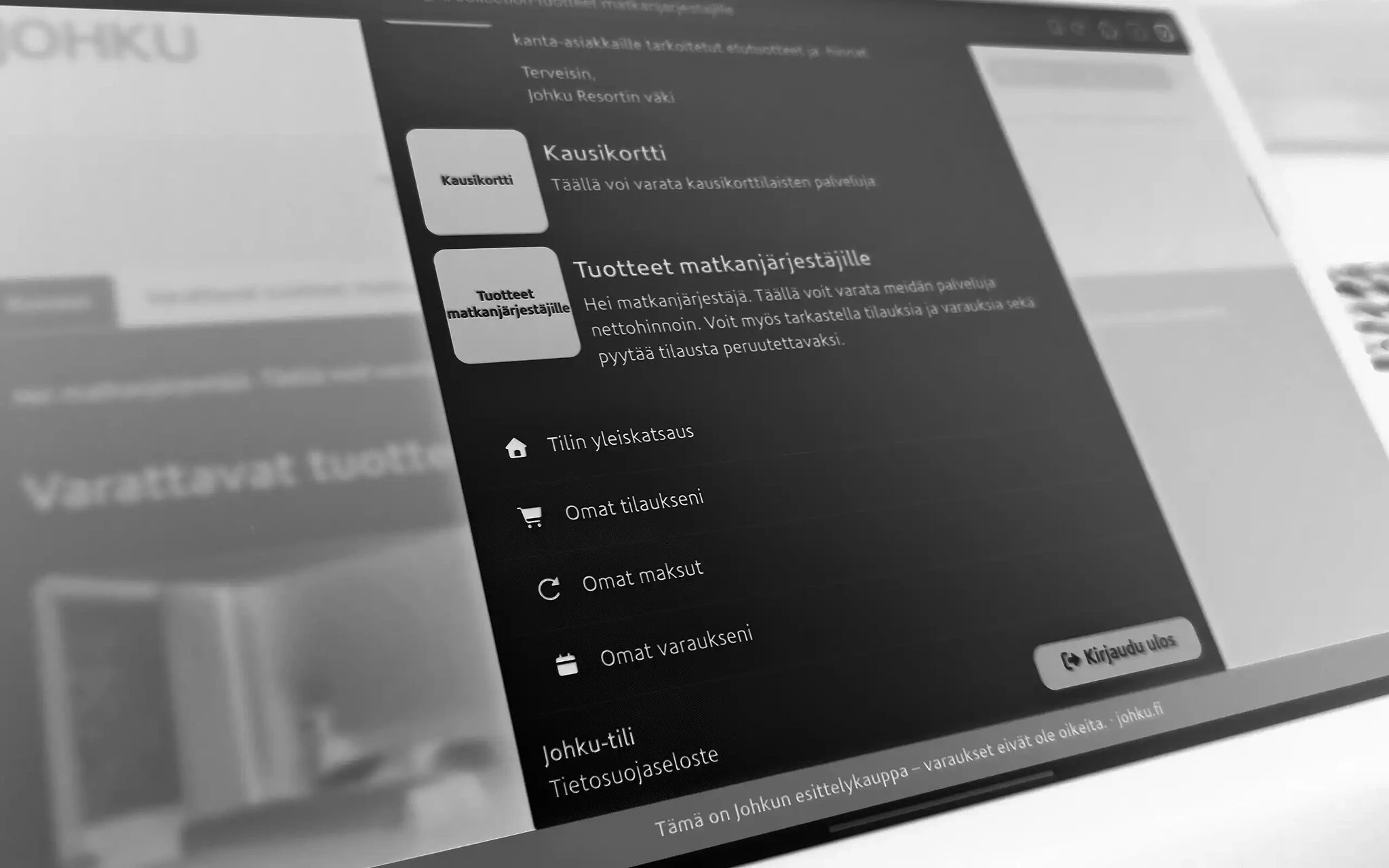
A collection works well for loyalty benefits, products for business customers and member prices for an association, for example. A logged-in member finds the collection in the user menu and on their My account page. You choose which products the collection shows.
Your own products and prices for members only
Products for members only
You publish the product with the option “Published only for selected people” and add it to the collection. Then only logged-in members see it. The product must belong to a product group linked to the collection.
A member price from the same availability
When you want a member price for a cottage, you copy the public product and connect the copy to the original's availability and capacity. Both sell the same cottage, so double bookings do not arise.
Membership by invitation or by purchase
When you invite a customer by email, they log in with the invited address and see the collection. When buying a product opens a membership, the buyer joins the members without a separate invitation, with the name and email on the order.
In Johku Max, you can hand the sending of invitations over to your own AI assistant. It invites customers to the collection in one go, for example last year's best customers, and sets a validity period for the membership. You check the member list in Johku admin.
Good to know
The customer creates their own Johku account when they log in with Google, Microsoft or a one-time code sent by email. You do not need to manage user accounts.
When logging in, the customer accepts Johku's terms of use. They come from Johku, not from you.
You can send up to 50 invitations at a time. If the customer logs in with a different address than the one in the invitation, they do not see the collection.
You can also open a collection to all logged-in customers without an invitation.
If the member-price copy is not connected to the original product's availability, both can be booked at the same time.
Example
Say a night at the cottage costs €120 for everyone. You make a copy of the product at a member price of €95, connect it to the original's availability and publish it only for the collection's members. A member of the association logs in, sees the member price in the collection and books the same cottage that others see at €120.
Availability
Products and industries: all products, all industries
Price: included in Johku
Getting started
The Johku Support guides linked on this page are in Finnish.
An administrator creates collections in Johku admin. There is nothing to order separately. The guides are in Johku Support: Collections.
Read more
Johku Max: collection invitations with your own AI assistant
How to publish a product for collection members only (Johku Support)
Questions about collections?
In Johku Pro, support answers at tuki@johku.com on weekdays 9:00–16:00 Finnish time. In Johku Max, a dedicated specialist (Merchant Success operator) helps you.